Ambilight Plug & Play Kit
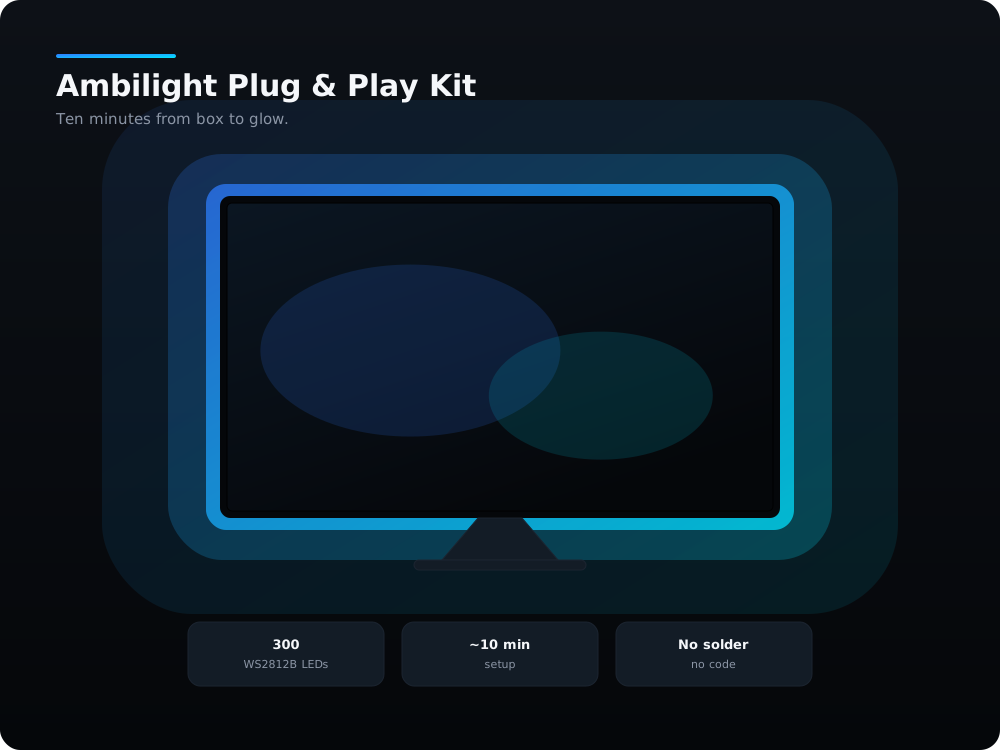
Unbox. Plug in. Your TV glows.
₹3,000
GST included · ships pan-India
This is the kit I hand to people who want the result without the weekend. The ESP32 arrives with WLED already flashed, already configured and already bench-tested with this exact LED strip — I power every board up and run a colour sweep before it goes in a box. The connector is pre-soldered to the strip lead, so there is no iron, no flux and no chance of lifting a pad. You stick the strip to the back of your TV, plug two connectors together, join your Wi-Fi, and you are done. Everything after that — effects, screen sync with SignalRGB, scheduling — is software.
What's in the box
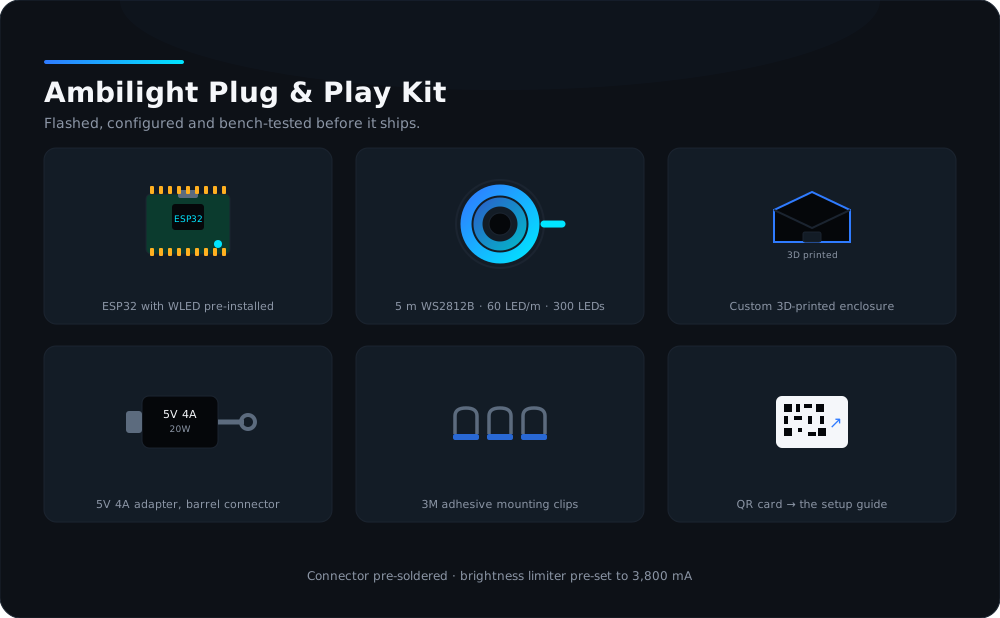
- ESP32 dev board with WLED pre-installed, configured and tested before shipping
- 5 m WS2812B addressable LED roll (60 LEDs/m, 300 LEDs), connector pre-soldered to the ESP32 lead
- Custom 3D-printed enclosure for the ESP32
- 5V 4A power adapter with DC barrel connector
- WLED's automatic brightness limiter pre-set to 3,800 mA, so the adapter is never overloaded
- 3M adhesive clips for mounting
- Printed QR card linking to the setup guide in the app and on the site
What else you need
- A TV or monitor, 32" to 75". The kit sticks to the back — it never plugs into the TV, so any brand works.
- A Windows PC running SignalRGB, but only if you want the lights to follow what is on screen. Everything else works from your phone.
- 2.4 GHz Wi-Fi. The ESP32 has no 5 GHz radio.
Specifications
The numbers
- Setup time
- About 10 minutes
- Screen sync
- DDP and E1.31 enabled — works with SignalRGB on Windows
- Control
- WLED app (iOS / Android), any browser on your Wi-Fi
- Mounting
- 3M adhesive backing plus 3M clips
- Fits
- TVs and monitors from 32" to 75"
- Power
- 5V 4A (20 W) adapter, 5.5 × 2.1 mm DC barrel
- Soldering
- None
- Current limit
- 3,800 mA, pre-set in WLED
- Controller
- ESP32 DevKit V1, WLED pre-flashed and configured
- LED strip
- WS2812B, 5 m, 60 LEDs/m, 300 LEDs total
- Connectivity
- 2.4 GHz Wi-Fi only (ESP32 has no 5 GHz radio)
- Data pin
- GPIO16
Before you buy
Questions people actually ask
Questions people actually ask
Do I need a PC for this?
Will 300 LEDs be enough for my TV?
Why is the brightness limited to 3,800 mA?
Does it work on 5 GHz Wi-Fi?
What if I want to solder and learn instead?
Can I control it when I am not at home?
Read it before it arrives
The guides for this kit
All free, all complete. Read them now and the box will take half the time.
Plug & Play setup: from box to glow in 10 minutes
Power it on, join it to your Wi-Fi, tell it how many LEDs you stuck down, and turn on realtime sync. No tools, no code.
Screen sync: SignalRGB + WLED
Make the LEDs follow what is on your screen. Install SignalRGB on Windows, add the WLED device, map the layout, and tune it so it feels instant.
Troubleshooting: every failure I have actually seen
Flicker, wrong colours, a dead first LED, Wi-Fi that drops, and the red tint at the far end. What causes each one and how to fix it.